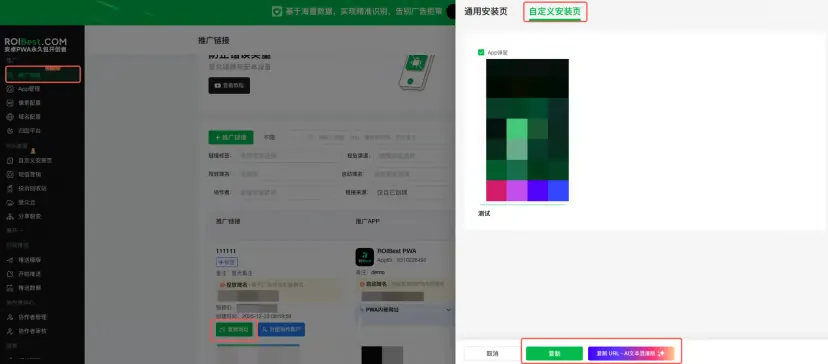

Custom Install Page
Design a branded download and installation page that visually highlights your product's features based on your brand and product characteristics.
Step 1 - Create a Custom Install Page
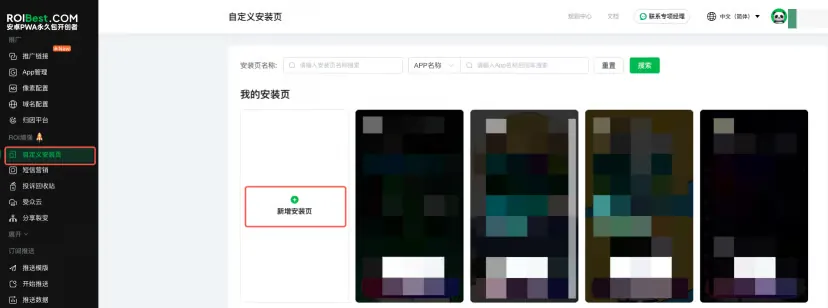
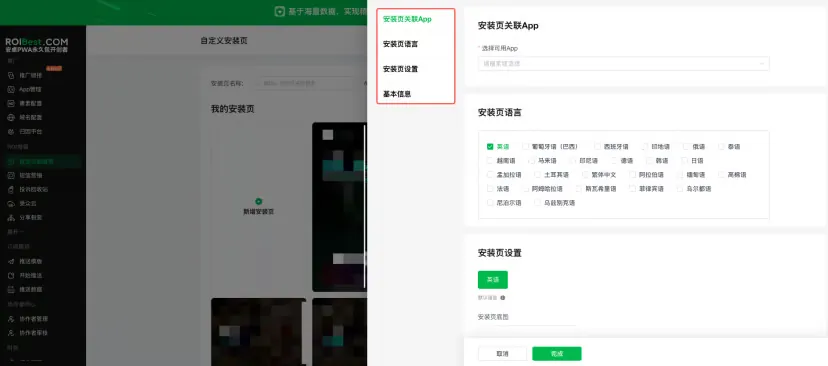
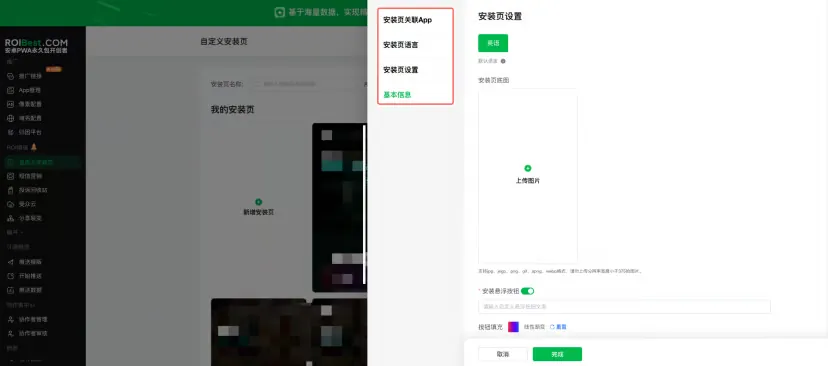
- Go to Custom Install Page → Add Install Page → Select a deployed App → Choose the landing page language → Upload custom install page images (you can crop the images if needed) → Enter the button text.
Note: Do not upload images with an aspect ratio smaller than 16:9 or a width resolution below 375 px. Up to three images can be stitched together. GIF uploads are supported.
- Click Add Install Page, then click Add.
- Associate the page with a deployed App, set the install page language, upload the background image, and configure the floating install button.
Step 2 - Link the Custom Install Page to a Promotion Link
- Go to Promotion Links, click Copy URL, select Custom Install, and Copy the Link.