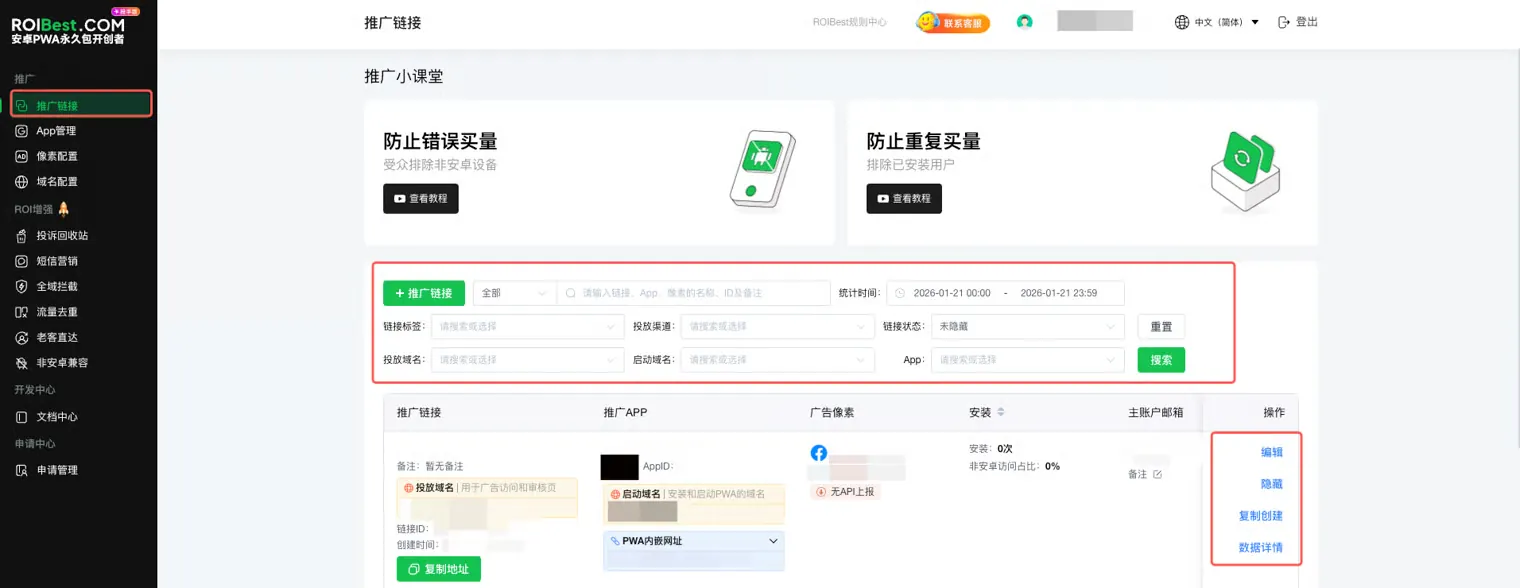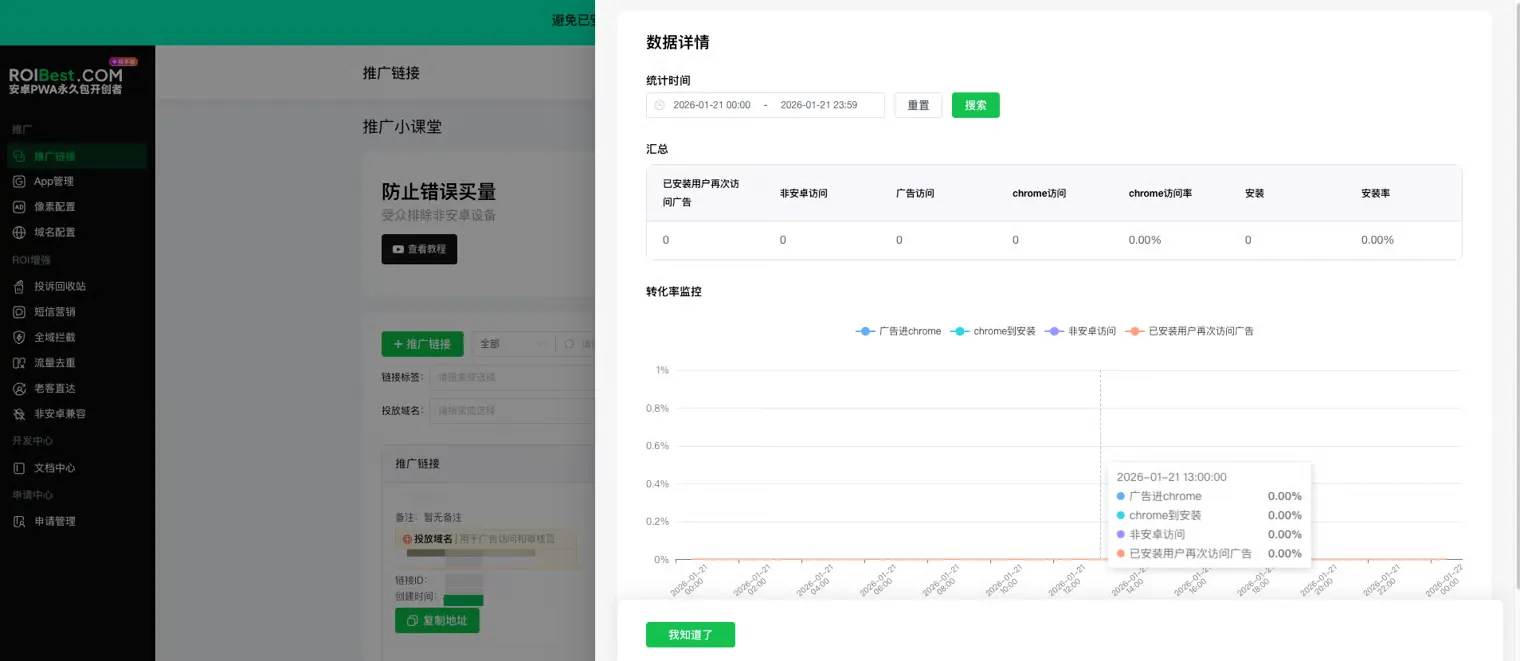

Collaborator Center
The primary account can assign permissions to customize what sub-accounts are allowed to do. Sub-accounts can independently view full-funnel data for their promotion links (clicks, install rate).
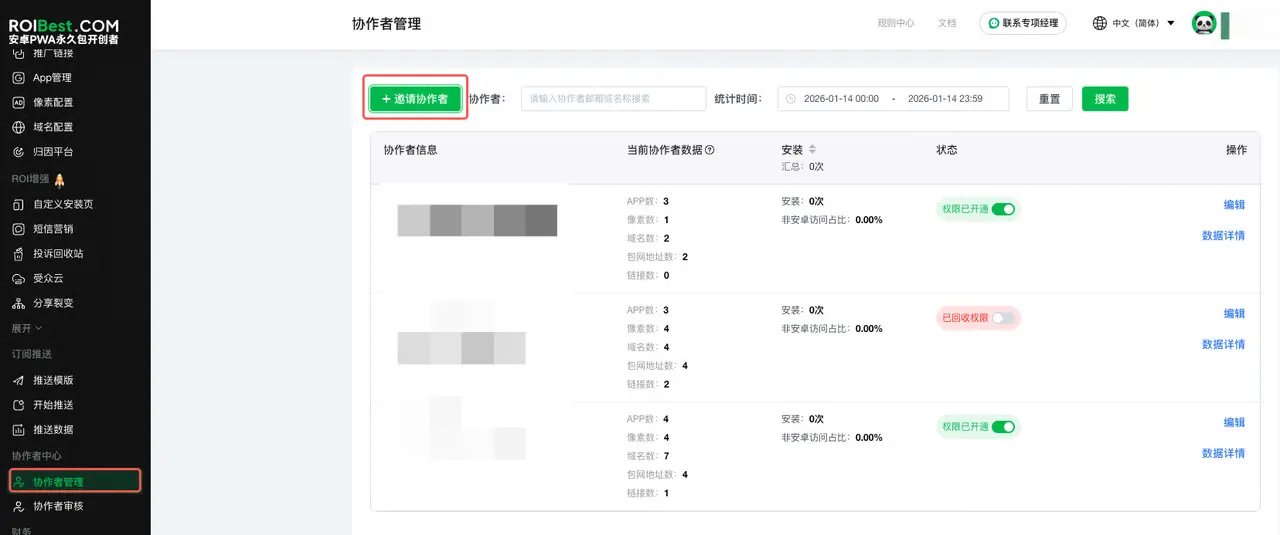
Step 1 - Collaborator Management
Click Invite Collaborator and assign Collaborator Permissions.
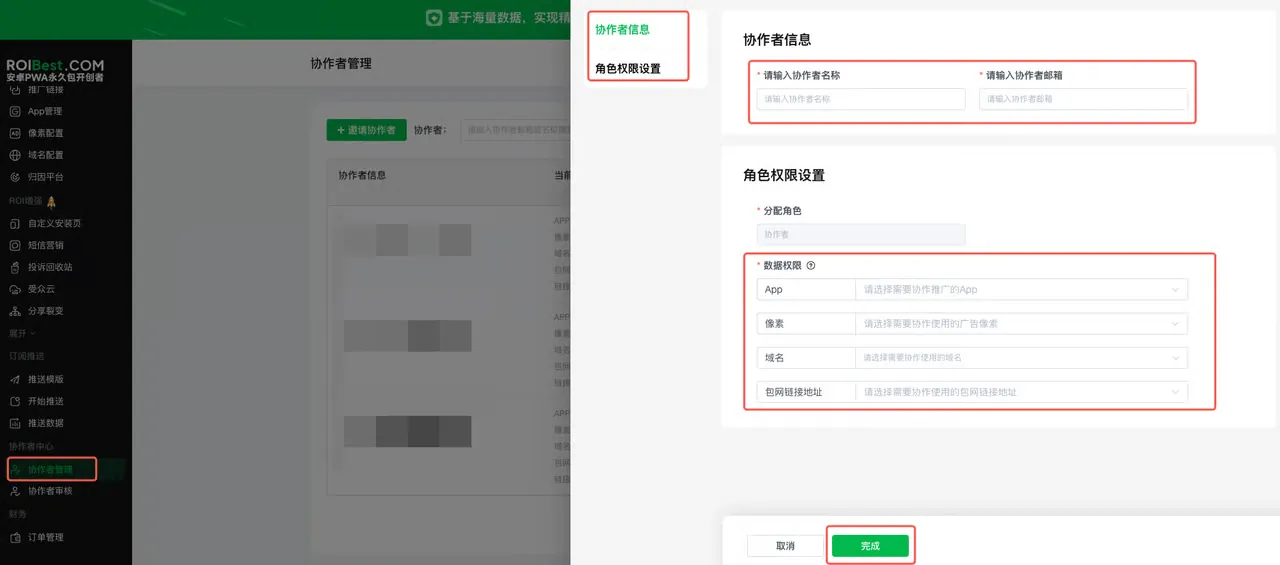
Enter the Collaborator Name, input the Collaborator Email, and assign the corresponding permissions to the collaborator (App, Pixel, Domain, Package URL).
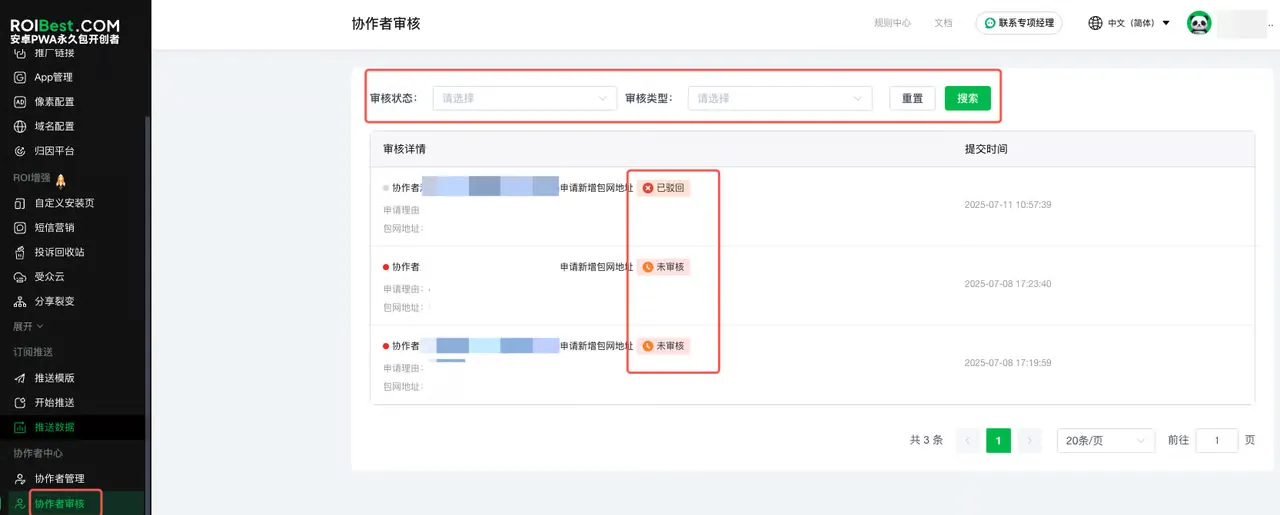
Step 2 - Collaborator Review
Review collaborator applications — view the review details and approve or reject each request.
Step 3 - Sub-Account Login
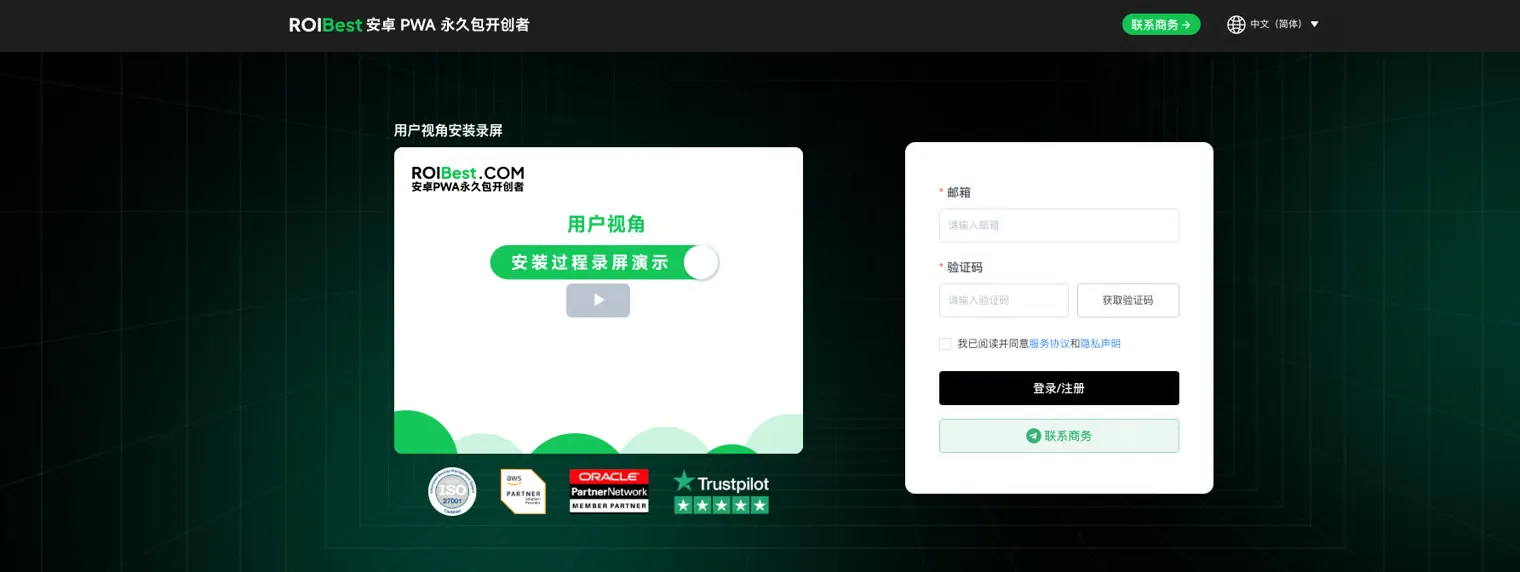
Once a sub-account is created, the corresponding user will receive an account activation email. Follow the link in the email to open the login page, enter the email address, and request a verification code to log in.
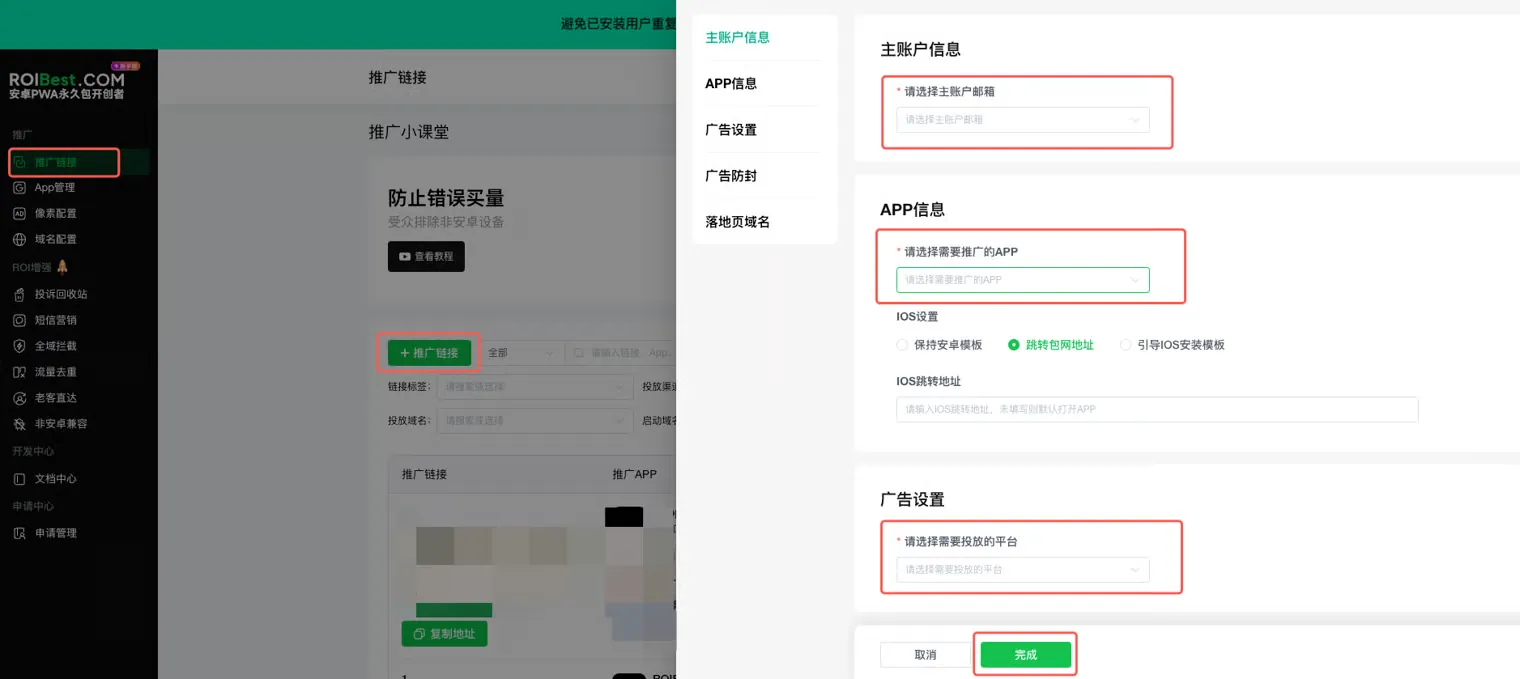
After logging in, create a promotion link — select the assigned permissions and click Save.
View link conversion data — filter by the target promotion link to see detailed statistics.