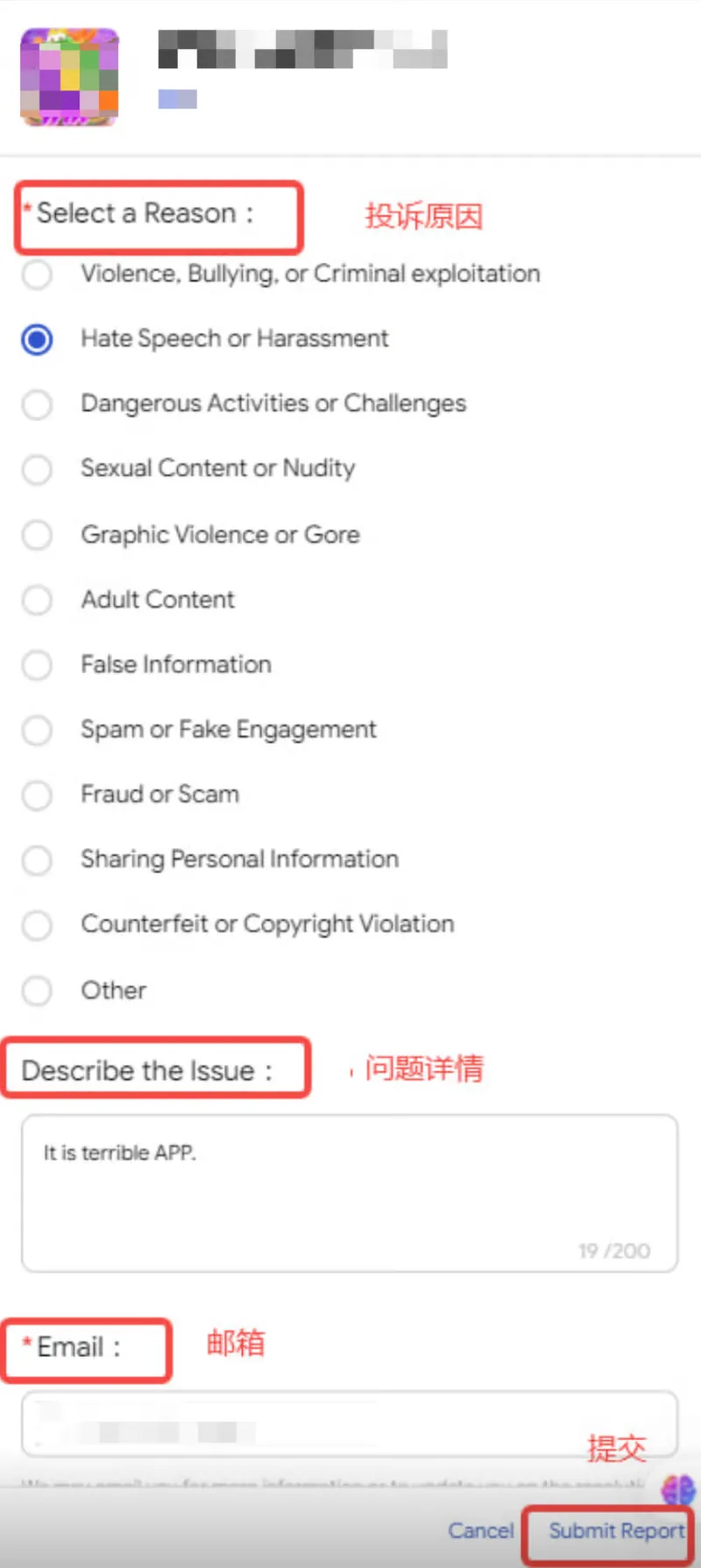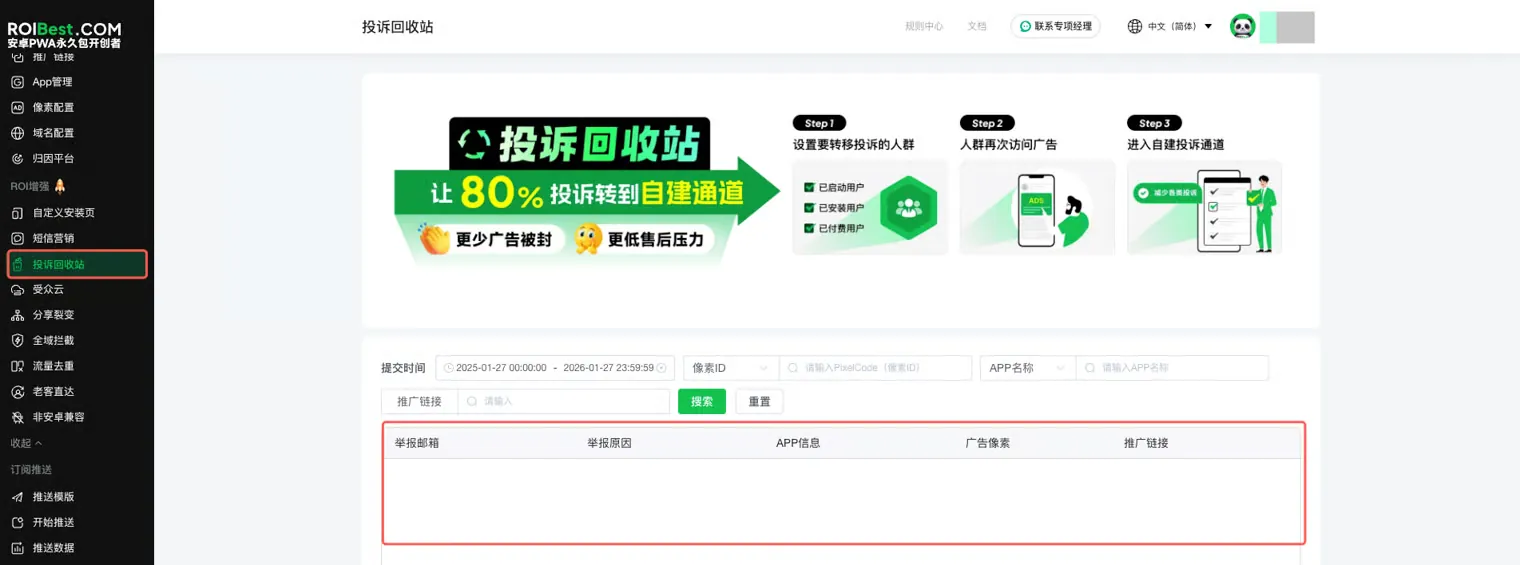

Complaint Bin
A self-built complaint channel that helps intercept user complaints. Through precise audience identification, it enables centralized handling of complaints across platforms and accounts.
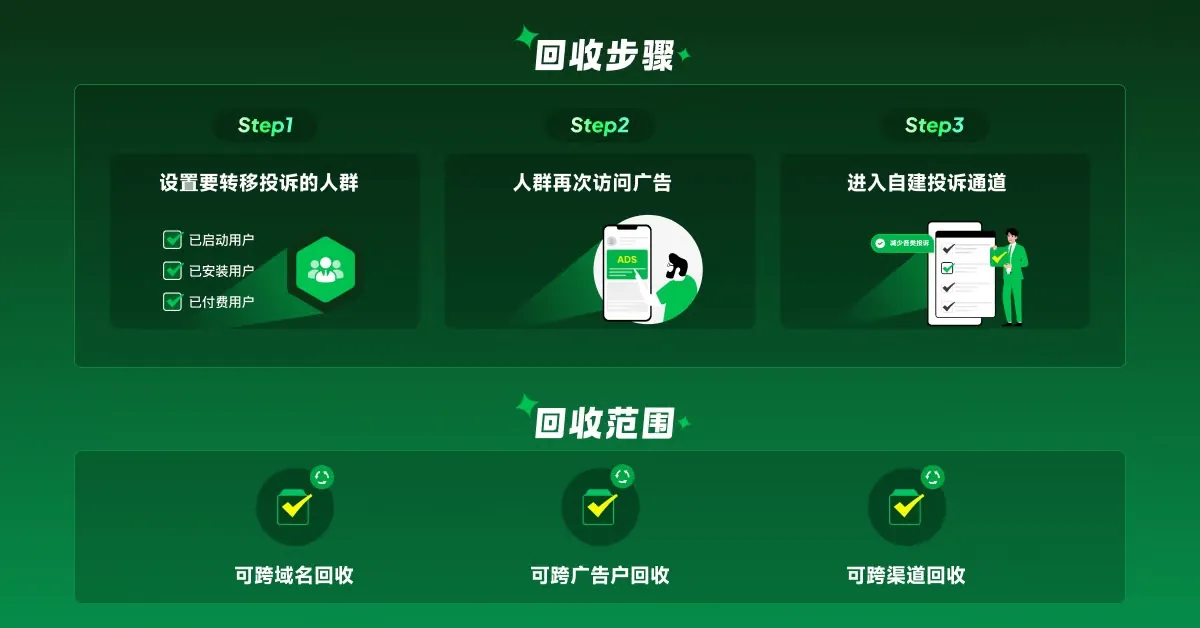
Step 1 - Enable the Entry Point
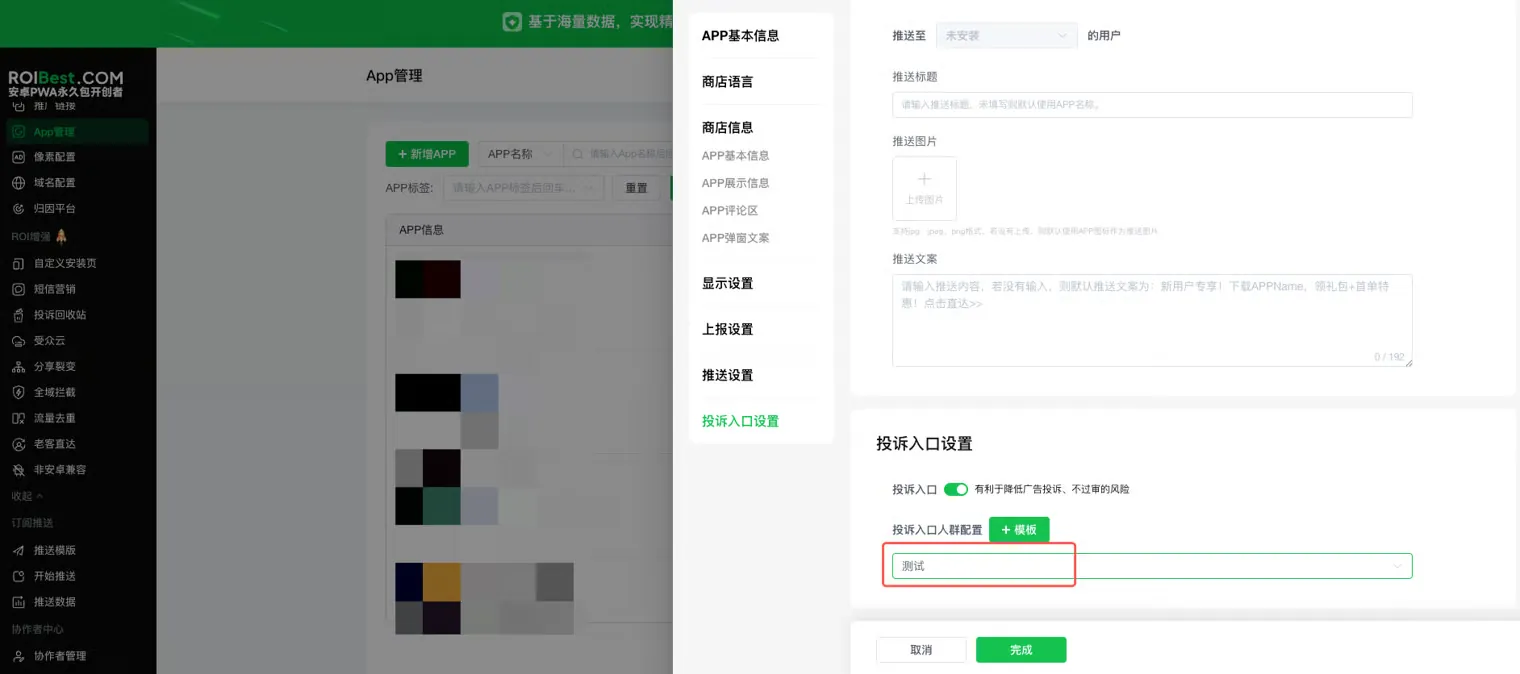
When adding, duplicating, or editing an App, locate the Complaint Entry settings and toggle it on.
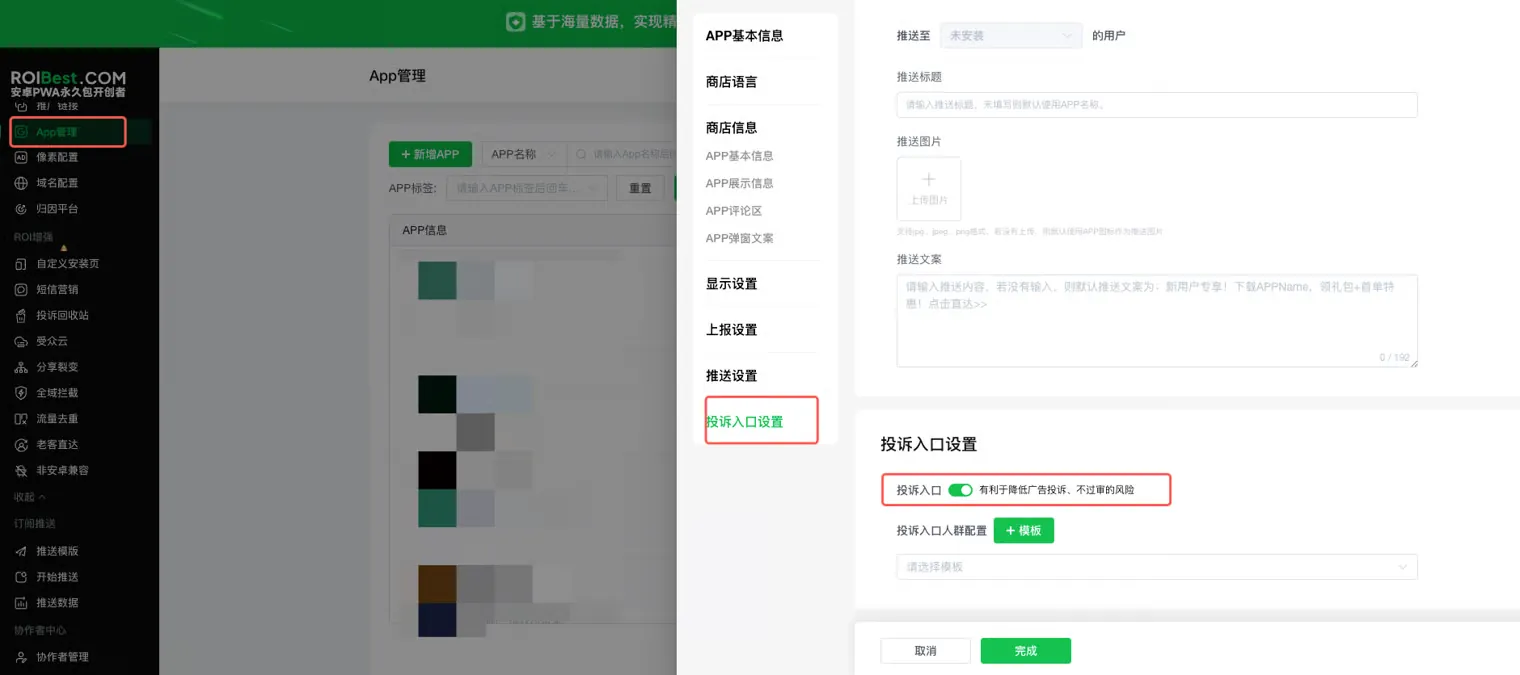
Step 2 - Configure the Target Audience
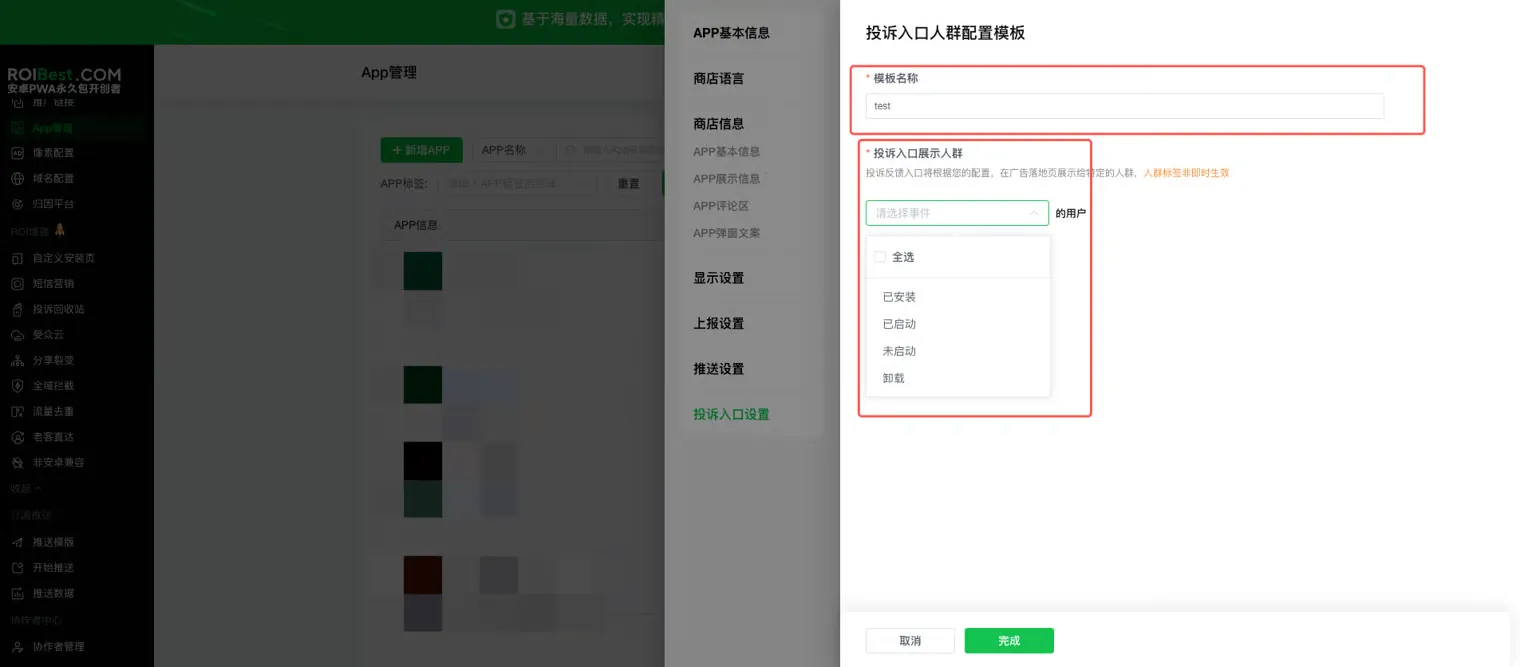
Turn on the switch and configure the audience whose complaints should be redirected: create a new template, enter a template name, select the target complaint audience, choose the template, and save.
Step 3 - User-Side Complaint Entry Display
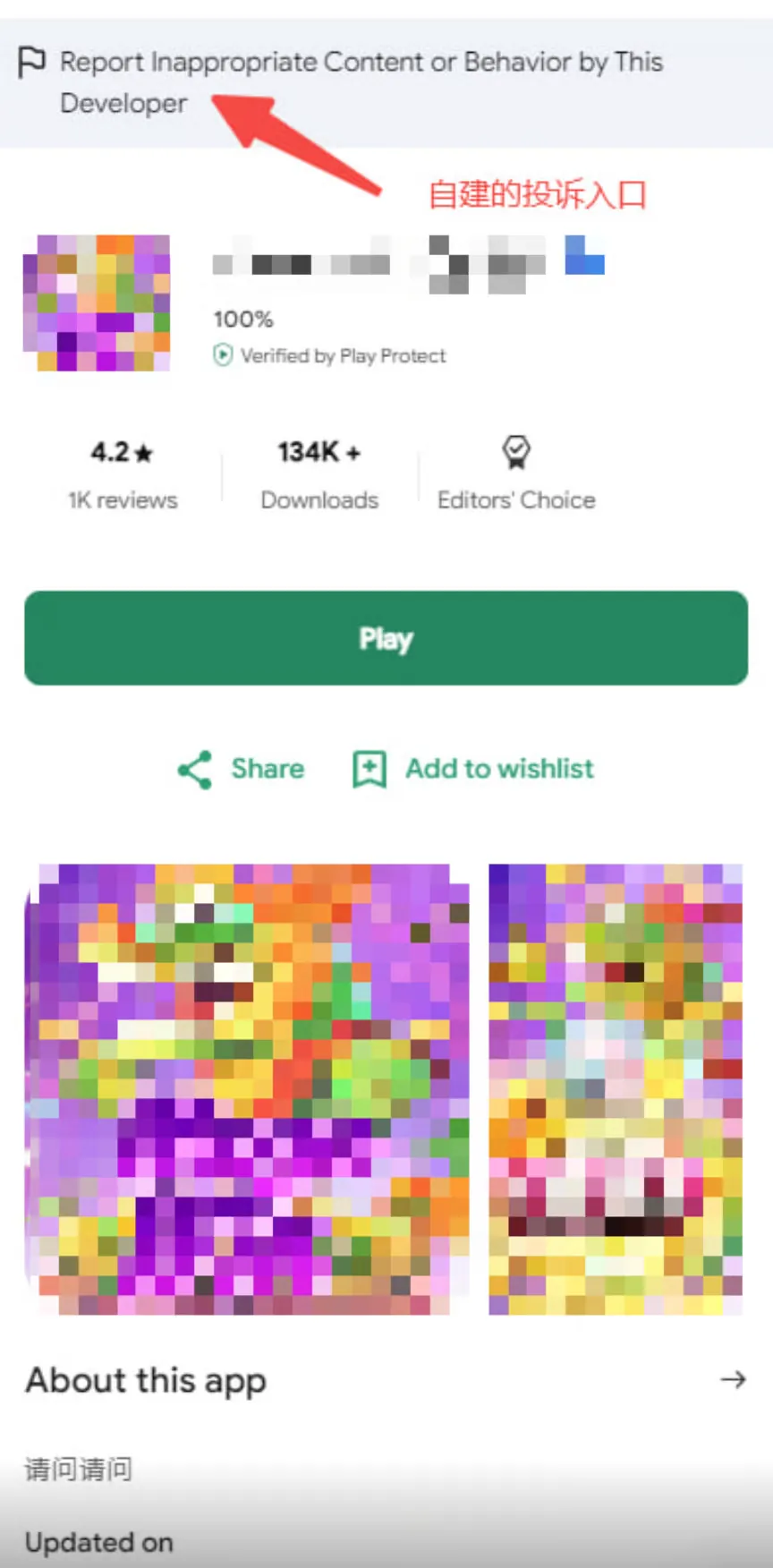
- Users in the configured audience will see the self-built complaint entry when they visit the landing page (e.g. "Installed / Uninstalled" audience).
When an installed or uninstalled user revisits the landing page, the self-built complaint entry pops up.
Step 4 - Complaints Submitted on the User Side Appear in the Complaint Bin
After a user submits a complaint on the client side, the complaint content is sent back to the Complaint Bin in the admin panel.